 Coinmarketcap
 watchlist groups selected coins for custom market tracking
Updated -
Coinmarketcap watchlist brings selected cryptocurrencies into one view for comparing prices and market activity. The star icon adds an asset to a tracking list without placing a trade. Each row follows the asset's market data, whether or not you own it. Multiple lists, adjustable columns and visibility settings let you organize research without entering purchase quantities or costs.
A saved selection determines which assets appear, while the chosen columns determine which questions the list answers. Account synchronization and public sharing handle different needs: keeping your selection available across devices and showing it to other people.
Signing in to the same account keeps a watchlist consistent across desktop and mobile, while its visibility setting controls sharing.
Star controls and the Main list
The star control bookmarks an asset, and stars on coin listings add selections to the Main watchlist. The Watchlist tab opens saved selections from the main menu. The mobile app also supports watchlists without an account. An asset's detail page also has a Watch icon, so bookmarking doesn't require leaving that asset's information. Within a chosen list, Add Coins opens an asset search.
Removing a watched asset changes list membership. The Remove from Watchlist control sits in the asset's three-dot menu; it doesn't sell tokens.
Separate lists for different research questions
Multiple watchlists keep separate selections under their own names and descriptions, so each list can reflect a particular research question. Membership comes from the assets added to that list. Switching the active list changes which assets you compare, while its name explains why those assets sit together. Names and descriptions remain editable as the purpose of the selection changes.
Column selection and matching time windows
Column customization controls which market measurements appear, including price, market cap and changes over the displayed time windows. The coin view includes one-hour, 24-hour and seven-day percentage changes, alongside a seven-day price chart. These labels describe the asset's movement over different intervals. Comparing the same column across rows keeps the observation period consistent.
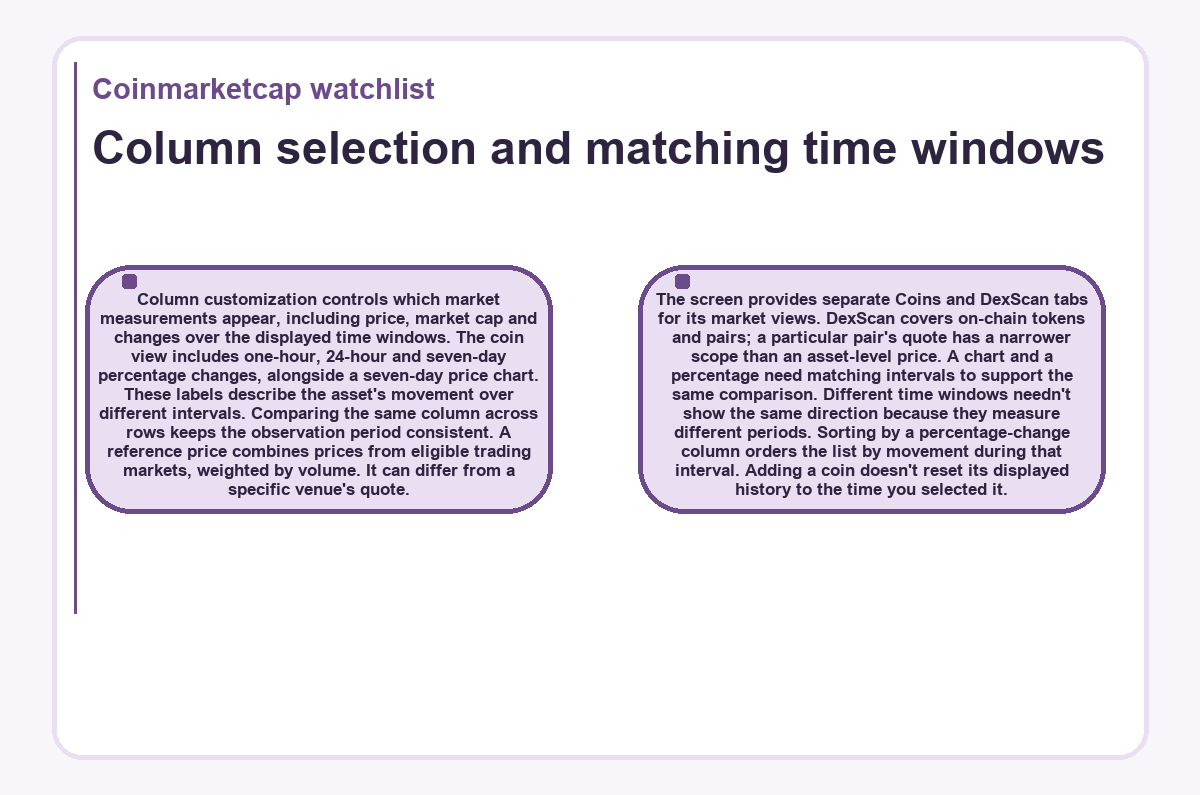
A reference price combines prices from eligible trading markets, weighted by volume. It can differ from a specific venue's quote. The screen provides separate Coins and DexScan tabs for its market views. DexScan covers on-chain tokens and pairs; a particular pair's quote has a narrower scope than an asset-level price. A chart and a percentage need matching intervals to support the same comparison. Different time windows needn't show the same direction because they measure different periods.
Sorting by a percentage-change column orders the list by movement during that interval. Adding a coin doesn't reset its displayed history to the time you selected it.
Market cap, trading volume and liquidity
Market cap estimates circulating-token valuation, while 24-hour volume measures reported spot activity over a defined period. Market cap multiplies an asset's reference price by its circulating supply, which estimates tokens in public hands. Neither the valuation nor the reported volume tells you how much the list owner holds.
Reported trading volume and executable liquidity measure different properties of a market. Liquidity describes how readily an order can trade with limited price impact. An asset-wide volume total combines activity across eligible markets, so it doesn't establish the depth of one trading pair. Filters can also make an asset's included volume differ from an exchange's reported total. A large displayed volume therefore doesn't promise that an order of any size will execute near the reference price.
Watchlist alerts and coin-specific notifications
When enabled, watchlist notifications flag significant price increases and decreases for watched coins. The mobile app also supports individual coin price alerts. Notifications appear in the CMC inbox and on devices where you're signed in. That setting controls messages about the list; it doesn't determine which assets the list contains. An alert describes a market event; it doesn't execute a trade.
Choosing between watching and recording holdings
Watchlist and Portfolio organize different information: selected assets for monitoring and holdings records for valuation and performance. CMC's Portfolio tool uses holdings information to calculate their value, with cost records supporting profit calculations. A list's coin count doesn't supply those quantities.
- If you only need to follow an asset's price, add it to a watchlist without entering a quantity.
- Compare market movements using the same time-window column across the watched assets.
- Use Portfolio when the question is a holding's value, since the calculation needs its quantity.
- For a personal gain or loss, include cost records; a watchlist's percentage change isn't your return.
A held asset can appear in both tools.
Does clearing cookies delete every saved watchlist?
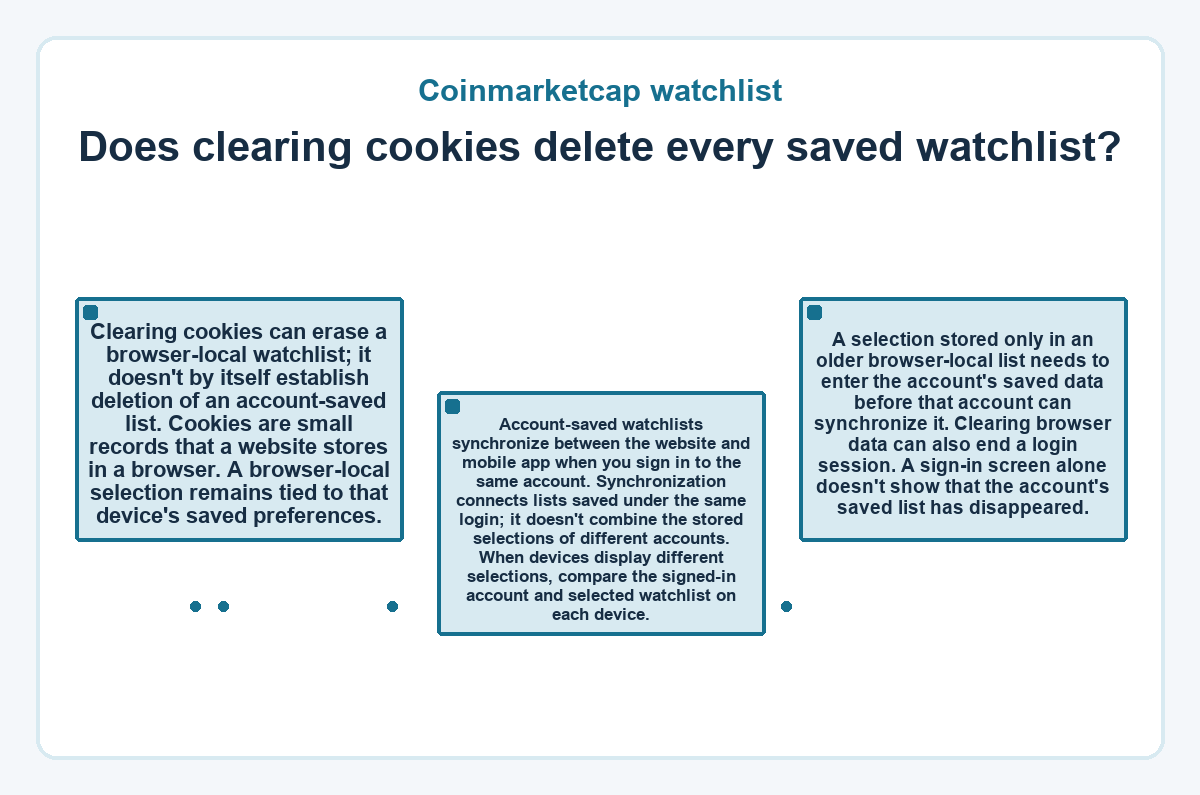
Clearing cookies can erase a browser-local watchlist; it doesn't by itself establish deletion of an account-saved list. Cookies are small records that a website stores in a browser. A browser-local selection remains tied to that device's saved preferences.
Account-saved watchlists synchronize between the website and mobile app when you sign in to the same account. Synchronization connects lists saved under the same login; it doesn't combine the stored selections of different accounts. When devices display different selections, compare the signed-in account and selected watchlist on each device. A selection stored only in an older browser-local list needs to enter the account's saved data before that account can synchronize it.
Clearing browser data can also end a login session. A sign-in screen alone doesn't show that the account's saved list has disappeared.
Public visibility and unavailable shared lists
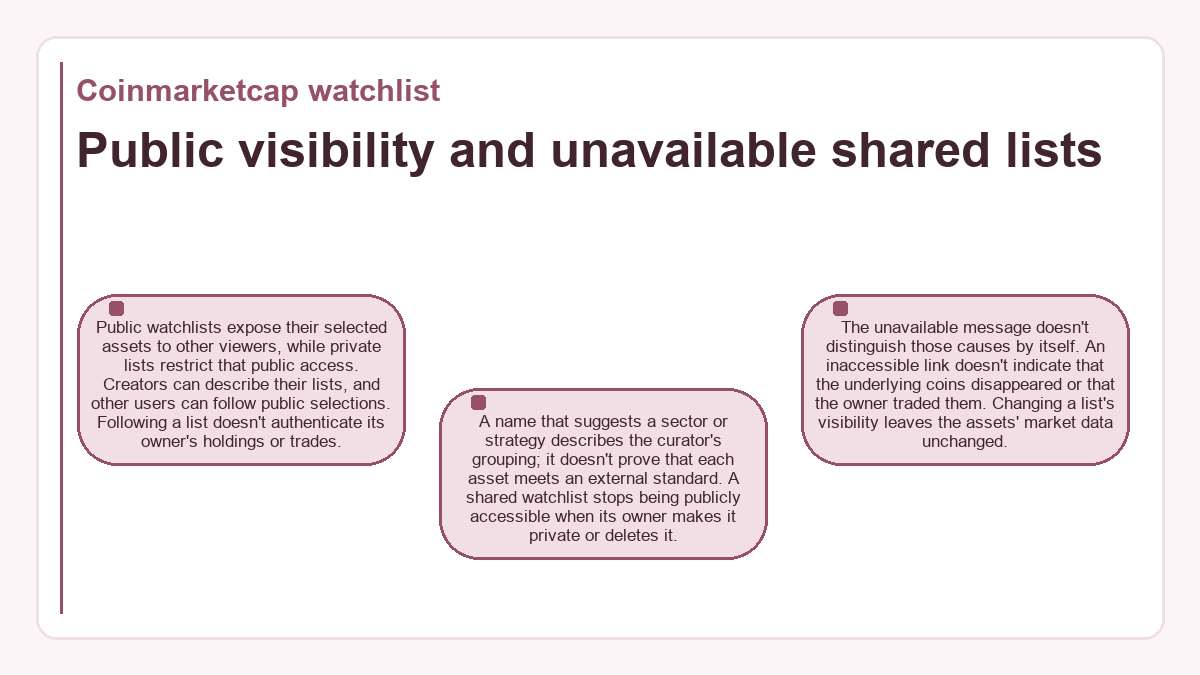
Public watchlists expose their selected assets to other viewers, while private lists restrict that public access. Creators can describe their lists, and other users can follow public selections. Following a list doesn't authenticate its owner's holdings or trades. A name that suggests a sector or strategy describes the curator's grouping; it doesn't prove that each asset meets an external standard.
A shared watchlist stops being publicly accessible when its owner makes it private or deletes it. The unavailable message doesn't distinguish those causes by itself. An inaccessible link doesn't indicate that the underlying coins disappeared or that the owner traded them. Changing a list's visibility leaves the assets' market data unchanged.
Coinmarketcap watchlist - your questions answered
Which watchlist opens by default when I return?
The Main watchlist opens by default. CMC initially designates the first list you create as Main, and you can change that designation. Viewing another list doesn't by itself change the Main designation that governs the destination of additions from coin-listing stars.
Can a watchlist be copied without rebuilding its coin selection?
The watchlist menu supports copying or duplicating an existing list. Duplication concerns tracking data; it doesn't duplicate a holding, transfer assets or execute a trade.
Where can I find public watchlists I already follow?
The Following tab contains public watchlists you're following. The Popular tab provides a separate way to discover public selections. You can follow public watchlists while keeping your own list private.
Is sorting a watchlist by price the same as ranking coins by market cap?
Sorting by price compares unit prices, whereas market-cap ranking incorporates circulating supply. A lower price per token doesn't establish a smaller valuation. Supply verification and ranking eligibility also affect asset placement, so the watchlist's chosen sort order shouldn't be read as the overall market ranking.
What happens if an older watchlist offers a local-data migration choice?
A migration prompt for older stored lists can merge browser-local and account selections or retain only one version. Keeping the local version discards the account version in that migration flow; keeping the account version discards the local version. That migration choice is irreversible, so the retained data needs to match the intended selection.
Will a screenshot of my watchlist preserve later price changes?
A screenshot captures the displayed data at that moment and won't refresh with later market changes. It can preserve a view of the selected assets, but it doesn't establish ongoing access to a public list or prove ownership of the coins shown.
Do I need to connect a wallet to follow coin prices?
You don't need a wallet connection to maintain a coin watchlist. Saving an asset selection doesn't require transaction signing or token approval. Wallet connection belongs to the optional DEX Mode trading flow, which has separate permissions and execution requirements from bookmarking assets.
Are all watched coins tradeable through DEX Mode?
A watched coin isn't necessarily available for a direct DEX Mode swap. DEX Mode supports direct swaps on Solana and BNB Smart Chain, with token screening that can restrict individual assets. Other coin pages may direct the Trade button to a third-party decentralized exchange. Watchlist membership doesn't establish trading compatibility.